
01
Pick your product
Cards, stickers, product labels or other print media — then choose the size and quantity.
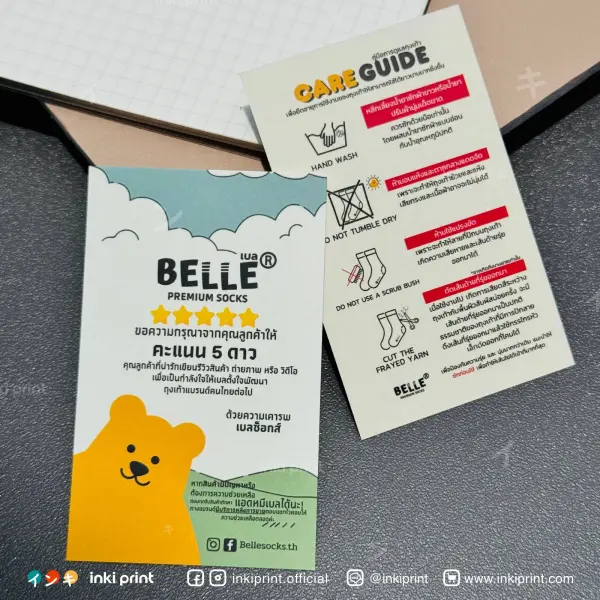
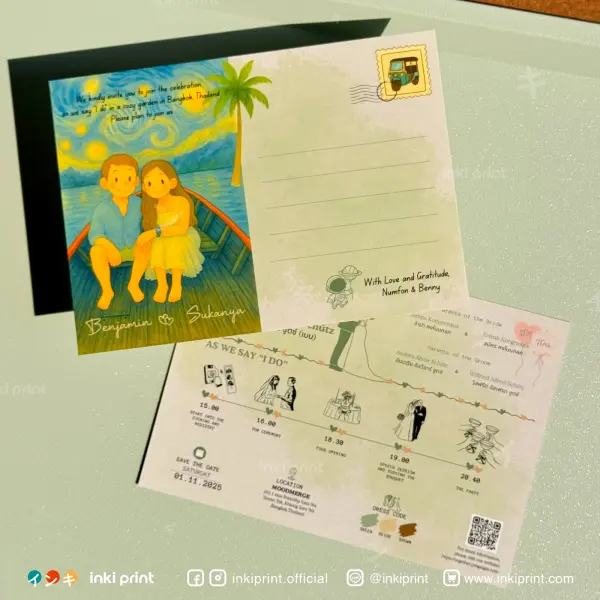
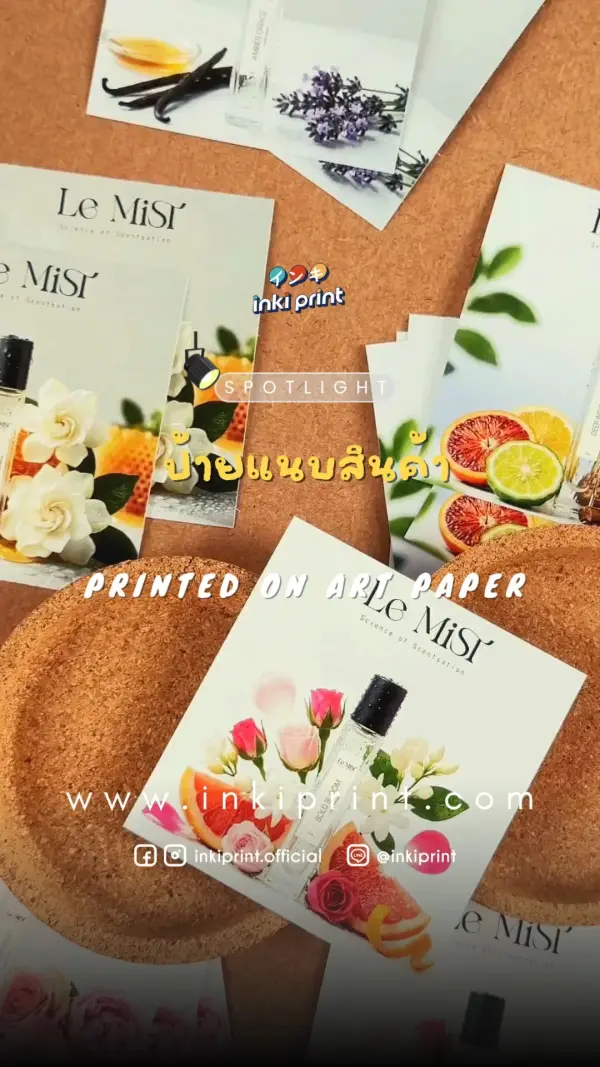
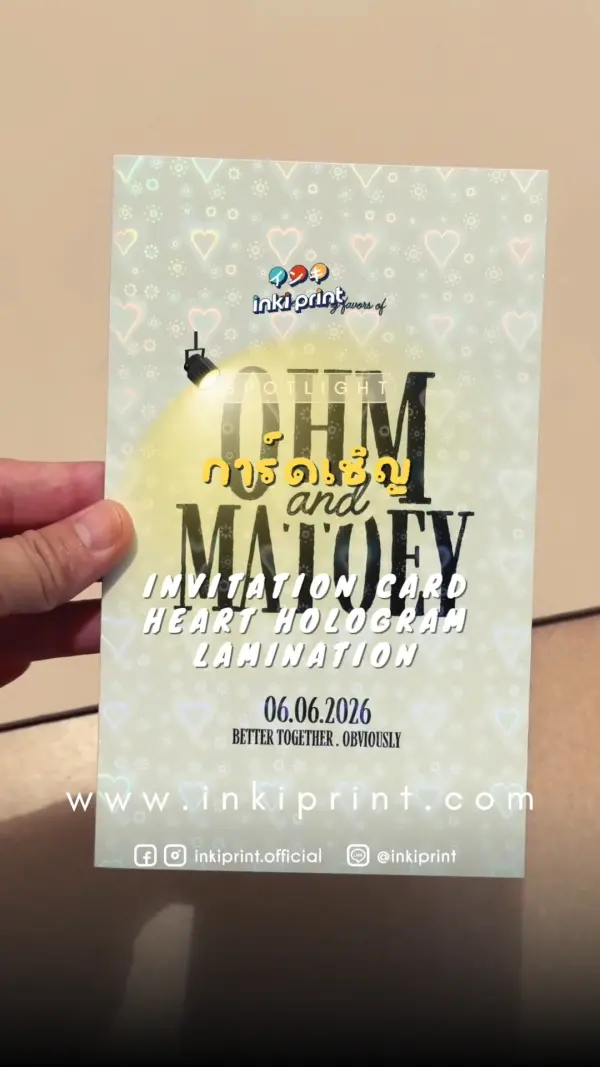
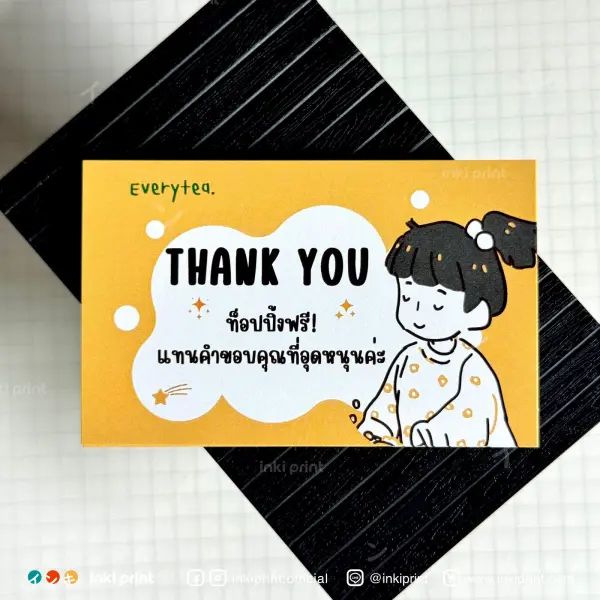
Thank-you cards, Korean-style cards, photocards, product labels and die-cut stickers — print-ready in every size, from 4×4 cm up to 32×47 cm.
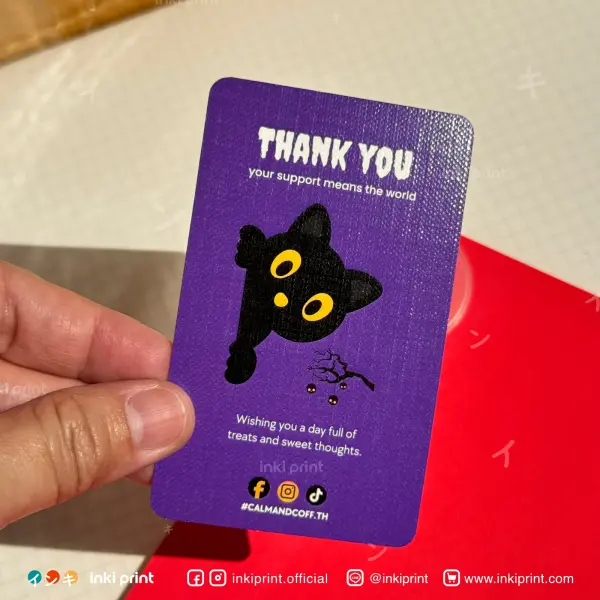
Bring your own design or a print-ready file — order any time, 24 hours a day.
Cards, stickers, product labels or other print media — then choose the size and quantity.
Print-ready file (PDF / AI / PNG at 300dpi) with a 3 mm bleed, following our guidelines.
Our team checks every file before printing. If anything looks off, we contact you right away.
Quality prints from CMYK-calibrated machines, carefully packed and shipped to your door.
Our order page is easy — upload a file, pick a size, then fine-tune every detail in one place.

Drag a PDF into the box or hit upload. Supports PDF files up to 500MB.
Pick a ready-made size or set your own; read the real size in centimetres off the ruler.
Choose paper type/weight, gloss or matte coating, and specs like single- or double-sided, all in one place.
Set your own bleed, or let us add it for you — no more white edges to worry about.
Type or step the quantity you need. The more you print, the lower the unit price — priced instantly.
Review the spec summary and total once more, then confirm to send your print order.
Our prints come in two parts — start with the “paper stock”, then layer a “coating” on top ✦
The body of the print. Pick the texture and thickness first — every option prints sharp, vivid colour.


A surface coating layered onto the paper — water- and scratch-resistant with extra flair. Hover a card to see it.


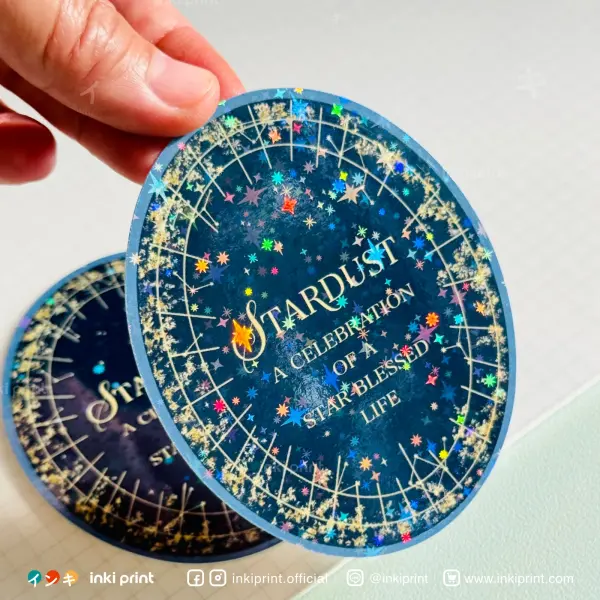
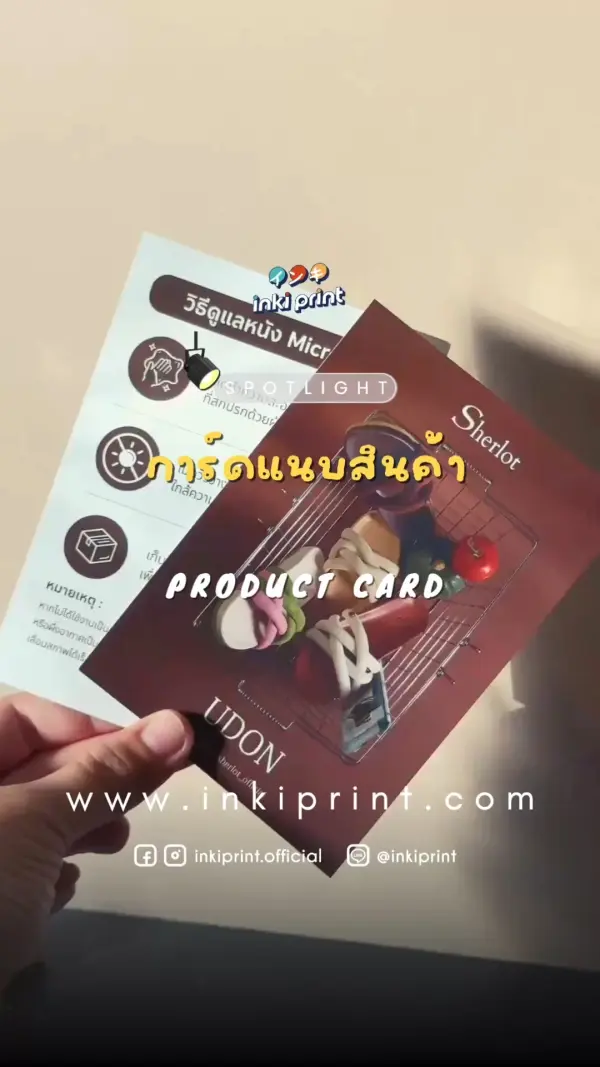
Prints already delivered to customers — cards, product labels, business cards and more.
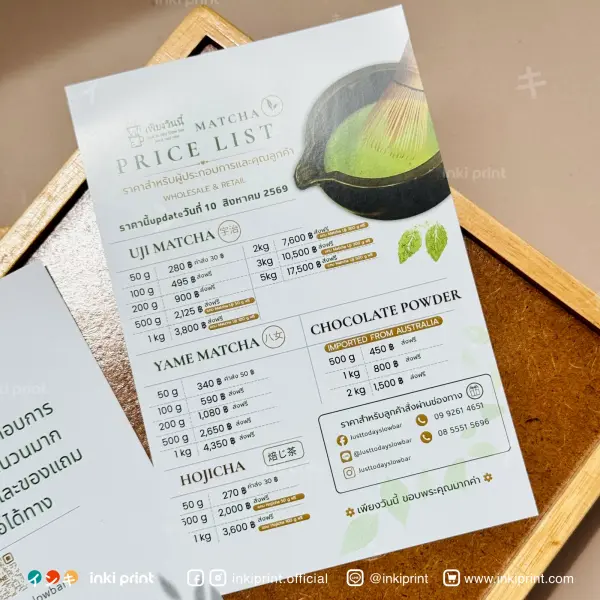
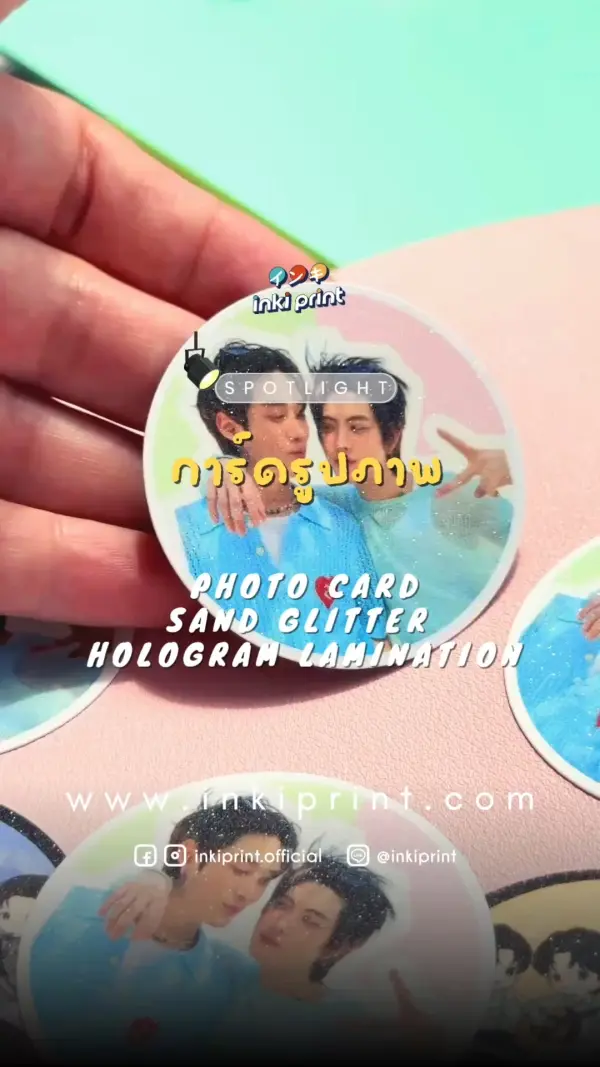
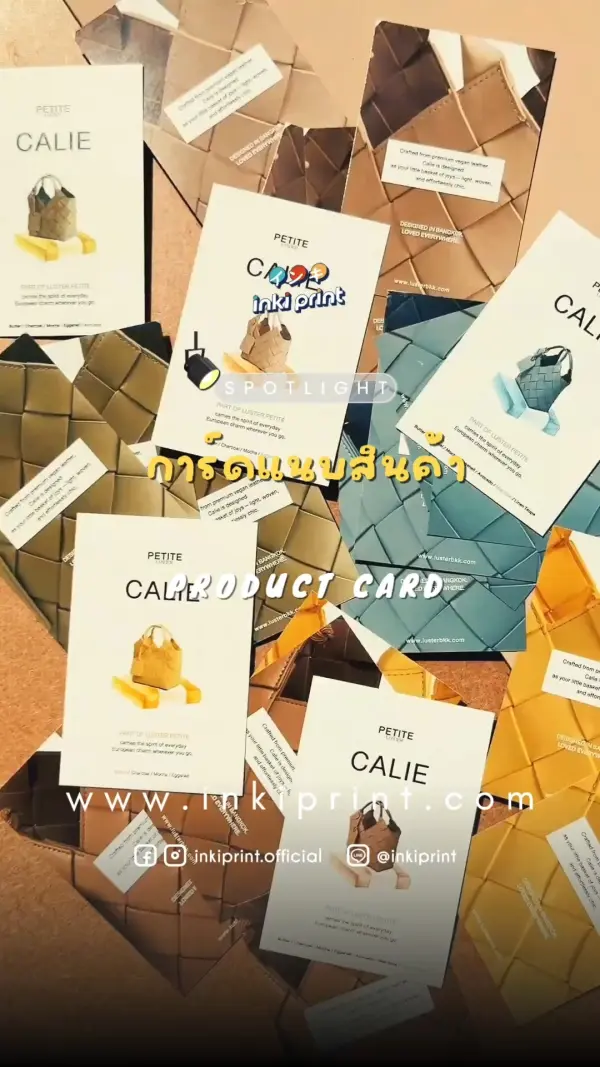
Before sending a file, get to know the 4 key lines — hover each item to see where it sits on a real card.

Black ticks at the corners marking the real cut line — the cutter follows these.
Area where colour/artwork “overflows” the edge by ~3 mm so a slightly off cut leaves no white edge — anything past this line is trimmed away.
The finished size after cutting — what you receive. It may shift slightly left/right or up/down.
Keep key text/logos (e.g. the INKIPRINT logo, slogan) inside this box — not too close to the edge, so nothing gets trimmed.
Sharp or pixelated comes down to DPI — and each file extension suits a different kind of job.

Embeds fonts + images fully, looks right anywhere. Export as Press Quality / PDF/X.
The original Illustrator file, great for logos and die-cuts. Remember to “embed fonts” first.
Must be 300 DPI+, supports transparent backgrounds — great for die-cut stickers.
Layered Photoshop file. Flatten, set CMYK mode and 300 DPI before sending.
Lots of people now design cards with AI (Midjourney, ChatGPT, etc.) — beautiful on screen, but usually unusable in print, because AI gives you a “finished image” with paper grain, shadows and texture baked in. It’s only a mockup, not a printable file.
Use AI to brainstorm all you like — but before printing, rebuild it as a fresh vector file, or send the source image and we’ll prep the artwork for print.
The two things customers ask about most — the bleed margin, and screen colour vs print colour.
Extend the artwork edge out by 3 mm so the cut never bites into your design. Without bleed, a trimmed piece can show a white edge or shift by 1–2 mm.


Screens show colour in RGB (light) while printing uses CMYK (ink), so results differ slightly and can’t match 100% — and every screen is calibrated a little differently too.
We calibrate our screens as close to the CMYK print standard as possible and reference an ISO-certified Spectrodensitometer for colour values.
Die-cut work (cut to shape) should be designed with an edge margin so you don’t lose white edges or tiny details. Pick a safe option and you’ll get crisp results with no white rim.


Avoid “cut to edge” — a white border, colour bleed-out or background match is safer.
Please read every point so your work comes out just right. Tap a heading for details.
Printing involves many technical factors, so colour can vary between runs. For high accuracy we offer colour matching with standard instruments.
Some products need extra care to keep ink from peeling or sticking to the surface.
We do our very best on both colour and cutting to match the source file as closely as possible, but both carry a tolerance under print-industry standards.
Work using cream as a component can vary due to technical limits and differences in how each screen displays it.
Example cream tones that may drift from what you intended
Files with a frame, or that must sit perfectly centred, are the hardest to control — the whole piece can look skewed.


The red line is the trim — bleed and edge margins keep framed work straight and balanced
Spot a word you don’t know? Just search it.
Extend the background 3 mm past the edge to avoid a white rim when trimming.
The real size after cutting — what you receive.
Zone for text/logos, kept ~3 mm from the edge to avoid trimming.
Dots per inch. Print should be 300 DPI+ to look sharp.
Line art that scales without pixelating (AI/PDF/SVG) — great for logos and text.
Embed fonts in the file so they don’t shift when opened elsewhere.
A sample before the real run, to check colour and layout before mass production.
Print ink system (cyan, magenta, yellow, black) — your file should be in this mode.
On-screen light colour, more vivid than print. RGB files may shift in colour.
Paper weight/thickness. Higher GSM is thicker and stiffer, e.g. 300gsm business cards.
Smooth-surfaced paper with sharp colour, popular for cards and business cards.
Natural brown paper with a warm look — great for eco-style work.
Cut to a free shape, not just rectangles — e.g. a heart-shaped sticker.
Cuts only the sticker, not the backing sheet — easy to peel.
A protective coat against water and scratches, in matte or glossy.
Raised glossy coating on select spots to make a logo or detail stand out.
A print-ready PDF / AI / PNG at 300dpi or higher, with a 3 mm bleed around the artwork, and key text kept ~2 mm from the edge.
Screens use RGB while printing uses CMYK, so colours may differ slightly. We calibrate our screens to standard and reference an ISO-certified colour meter — if colour is critical, order a printed proof first.
We print every size from 4×4 cm up to 32×47 cm. Minimum quantity depends on the product — message us on LINE to ask.
We take orders 24 hours a day. Production time depends on quantity and finish; we always confirm the timeline before starting.
Message us on LINE first — our team can advise on an approach and checks every file before printing.
Pick a size, then see the per-card price by quantity · mix designs from 100 pcs · VAT included
| Quantity (pcs) | 100 | 300 | 500 | 1,000 | 2,000 | 5,000 | 10,000 |
|---|---|---|---|---|---|---|---|
| Single-sided | 1.4 | 1.3 | 1 | 0.8 | 0.6 | 0.55 | 🔥0.5 |
| Double-sided | 2 | 1.7 | 1.4 | 1.2 | 1 | 0.9 | 0.8 |
THB/card — added on top of the table rate
THB/card — includes die-cut in shop-defined shapes
Holo patterns: Rainbow · Shattered · Star · Sand · Heart · Glitter
only for 5×5 cm
Add our LINE, send files, check prices and track your print status in one chat. Fast replies, orders accepted 24 hours a day.
💬 Add us on LINE